Email Templates
Email templates control the HTML content of automated notifications sent by Dossier. There are two scopes:
| Scope | Location | Purpose |
|---|---|---|
| Organization | Templates → Email | Project and finding notification emails |
| Tenant | Tenant Settings → Email | Auth and invitation emails |
Organization Email Templates
Navigate to Templates → Email Templates in the org-scoped sidebar.
Route: /org/:id/templates/email-templates
These templates are used for:
- Project status changes (planned, active, paused, completed, canceled)
- Finding status changes
- Finding comments
- Form submissions
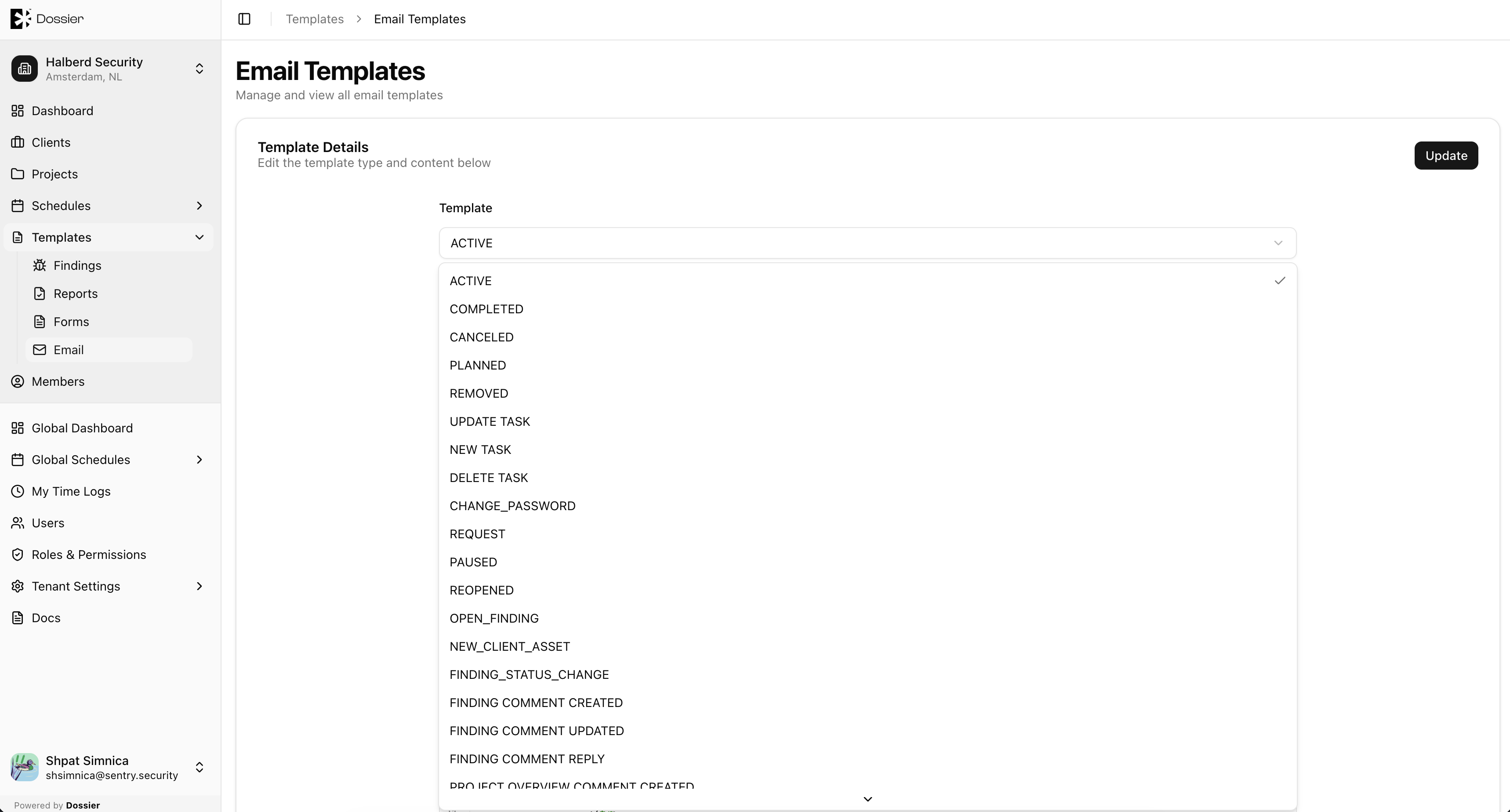
Editing an Organization Email Template
Step 1: Click a template row
Open the email template editor.
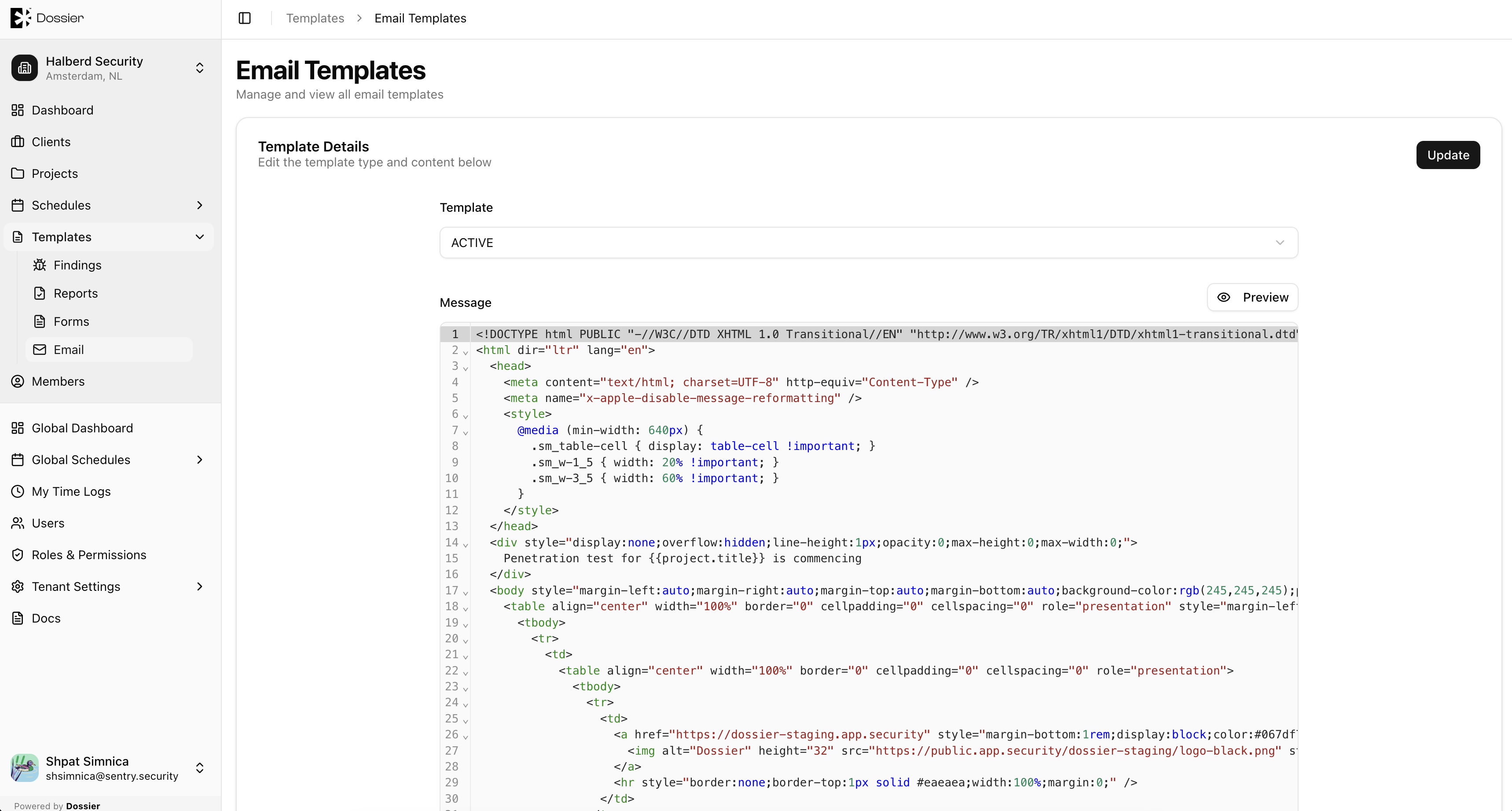
Step 2: Edit the HTML content
Templates use Handlebars syntax for dynamic placeholders (project title, client name, finding severity, etc.).
Step 3: Save
Click Save to apply changes.
Tenant Email Templates
Navigate to Tenant Settings → Email Templates.
These templates are used for:
- User invitation emails
- Auth0 password reset emails
- Auth0 email verification emails
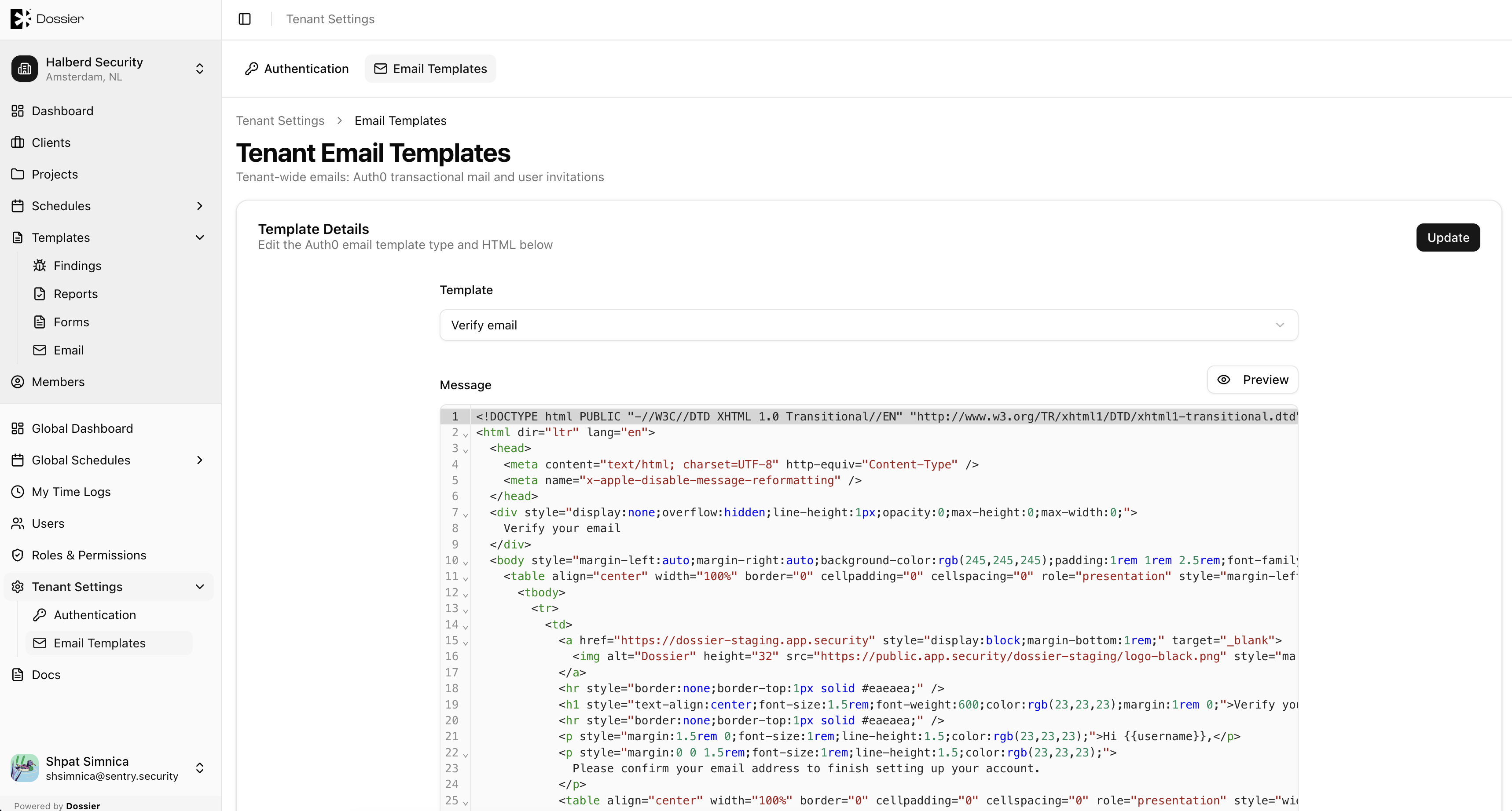
See Tenant Email Templates for editing instructions.
info
Organization email templates are seeded automatically when an organization is created. Tenant email templates are seeded at tenant bootstrap.